OpenNestCollision
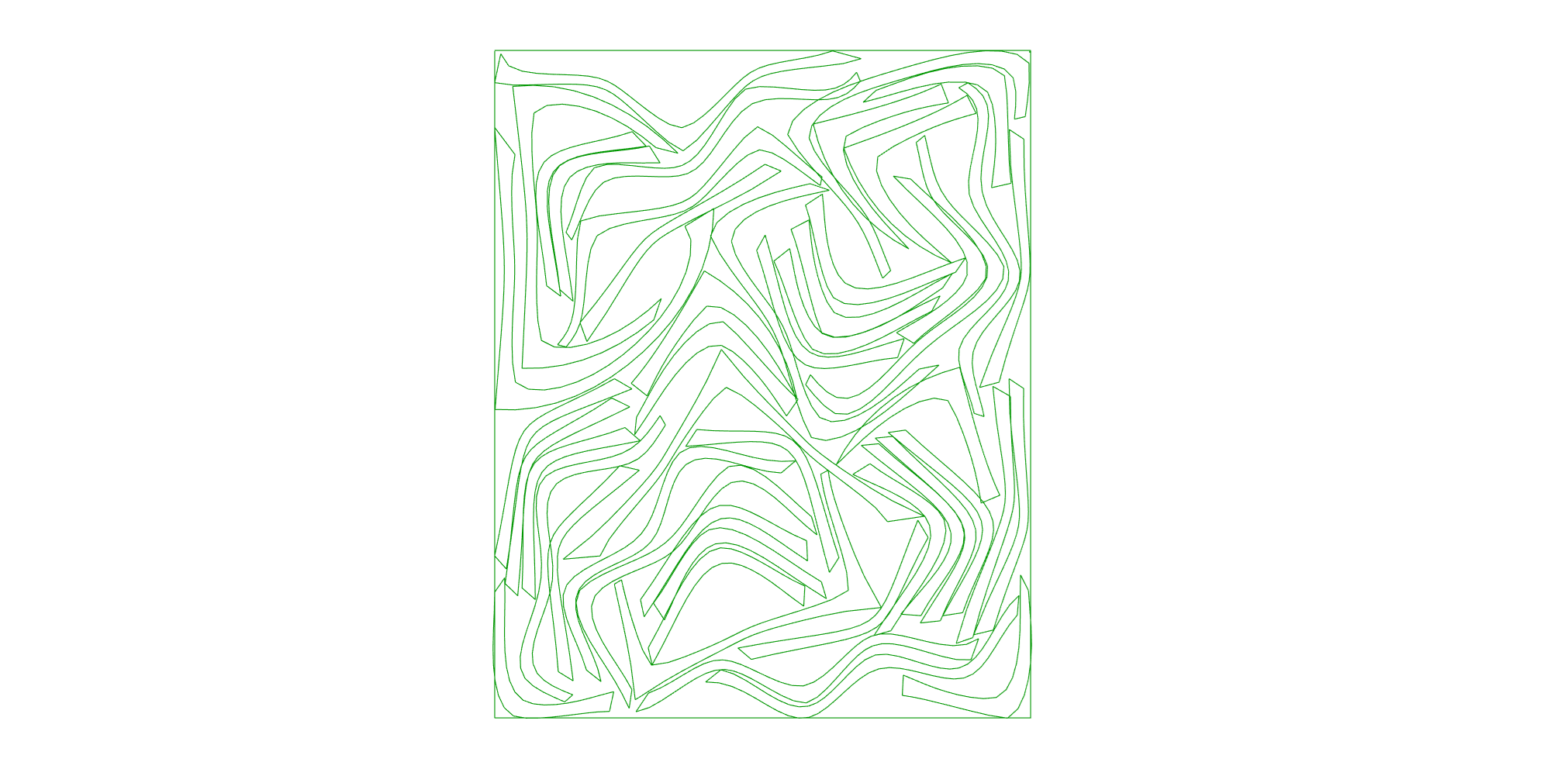
Nests parts onto sheets with the physics collision solver - packs tightly and can fill part cavities. Feed it the Sheets and Geometry components.
Recommended settings (single start, one sheet)
Iterations 4000, Rotations 3600, Starts 1, Poles 48, Compact Bottom-Left. These are the defaults. If a run spills onto a second sheet, change the Seed and run again. (Fewer Poles is faster but can pack worse; a single high-rotation start is what closes the pack — no multi-start needed.)
Example
Files to download:
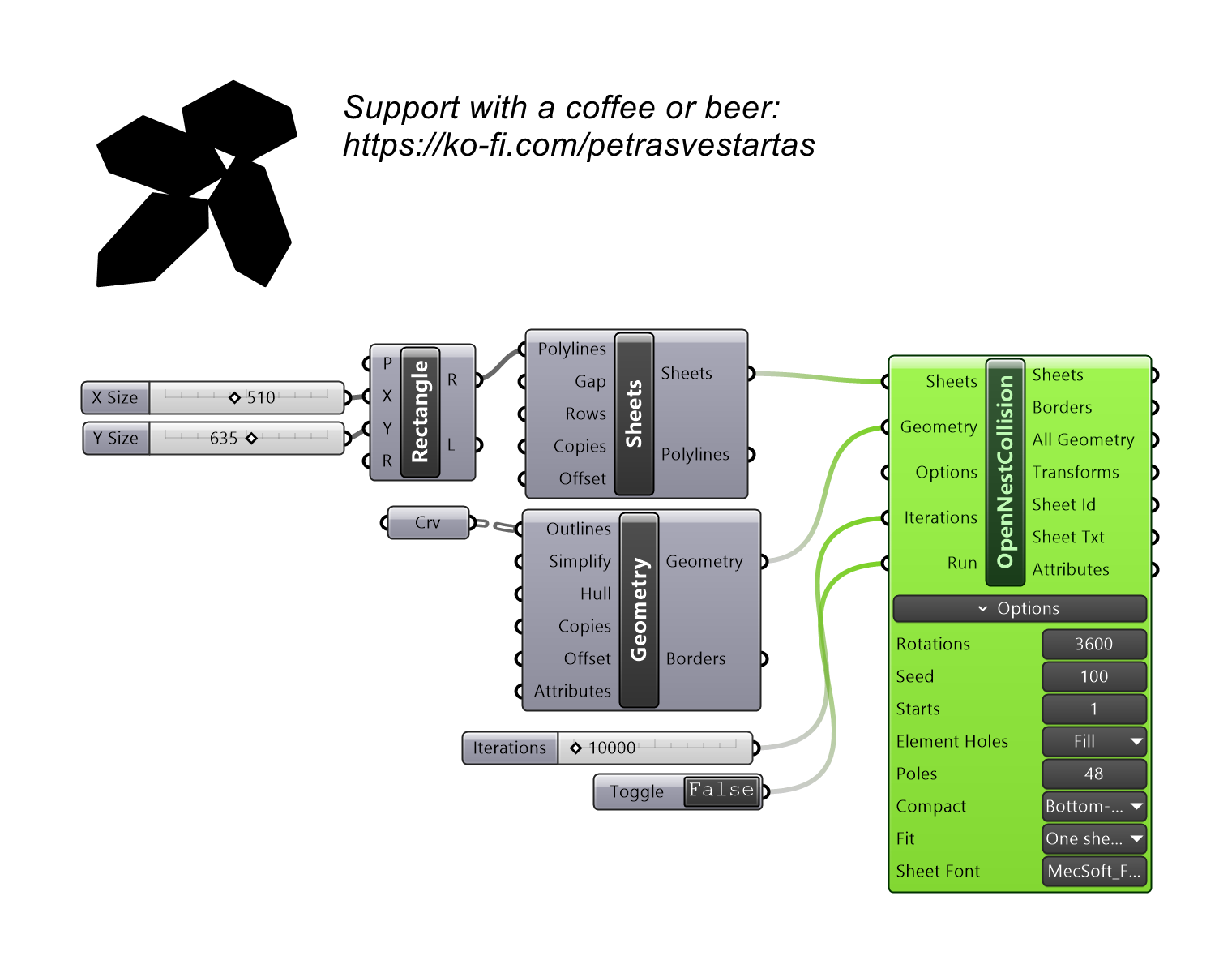
Inputs
| Parameter | Type | Access | Description |
|---|---|---|---|
| Sheets | Generic | item | From OpenNest tab, use component Sheets. |
| Geometry | Generic | item | From OpenNest tab, use component Geometry. |
| Options | Text | list | Optional list of "key value" option strings — wire the NestOptions component here. Each line overrides the matching on-canvas option row below; unwired keys keep their on-canvas value. |
| Iterations | Integer | item | Relaxation rounds; higher packs tighter but is slower. ~4000 = the tight all-on-one-sheet pack; lower for a quick rough preview. Default: 4000. |
| Run | Boolean | item | Wire a Boolean Toggle. TRUE = solve now and re-solve when an input changes (background thread, live preview); FALSE = output nothing and clear the previous result (blank outputs + cleared preview). ESC stops a running solve but keeps the partial result while Run is held TRUE. Default: false. |
Outputs
| Parameter | Type | Description |
|---|---|---|
| Sheets | Curve | Sheet outline polylines used for nesting. |
| Borders | Curve | Placed part outline curves. |
| All Geo (All Geometry) | Geometry | All placed part geometry. |
| Transforms | Transform | Placement transforms for each part. |
| Sheet Id | Integer | Index of the sheet each part landed on. |
| Sheet Txt | Curve | Sheet-number label curves. |
| Attributes | Geometry | Per-part attribute geometry. |
Options
On-canvas settings shown on the component body (zoom in on the component to reveal the widgets, or right-click). They tune how the solver packs; the three input ports above are what it packs.
| Option | Type | Default | Range / Choices | Description |
|---|---|---|---|---|
| Rotations | Number | 3600 | 1 – 3600 | Orientations each part may try. More = tighter pack, slower. |
| Seed | Number | 100 | 0 – 100000 | Random seed. Change it if a run spills onto a 2nd sheet, then re-run. |
| Starts | Number | 1 | 1 – 64 | Multi-start: run this many seeds and keep the densest; stops early at the first single-sheet result. 1 = single run (recommended with high Rotations). |
| Element Holes | Choice | Fill | Off · Fill · Fill First | Nest small parts into larger parts' holes. Fill = after the main nest; Fill First = pre-pack into holes before nesting (sometimes tighter). Sheet holes are always kept clear automatically. |
| Poles | Number | 48 | 4 – 64 | Inscribed circles per part used for collision tests. More = more accurate (cleaner pack); fewer = faster but can pack worse. |
| Compact | Choice | Bottom-Left | Off · Bottom-Left · Multi | Post-pack tightening slide. Bottom-Left slides parts down-then-left; Multi slides from several directions. |
| Fit | Choice | All parts (fewest sheets) | One sheet (max fill) · All parts (fewest sheets) | All parts = use as many sheets as needed so nothing is left off (default). One sheet = fill a single sheet as full as possible; parts that don't fit are placed outside. |
| Sheet Font | Text | MecSoft_Font-1 1 |
— | Sheet-number label: font name + text size. |