Grasshopper 2
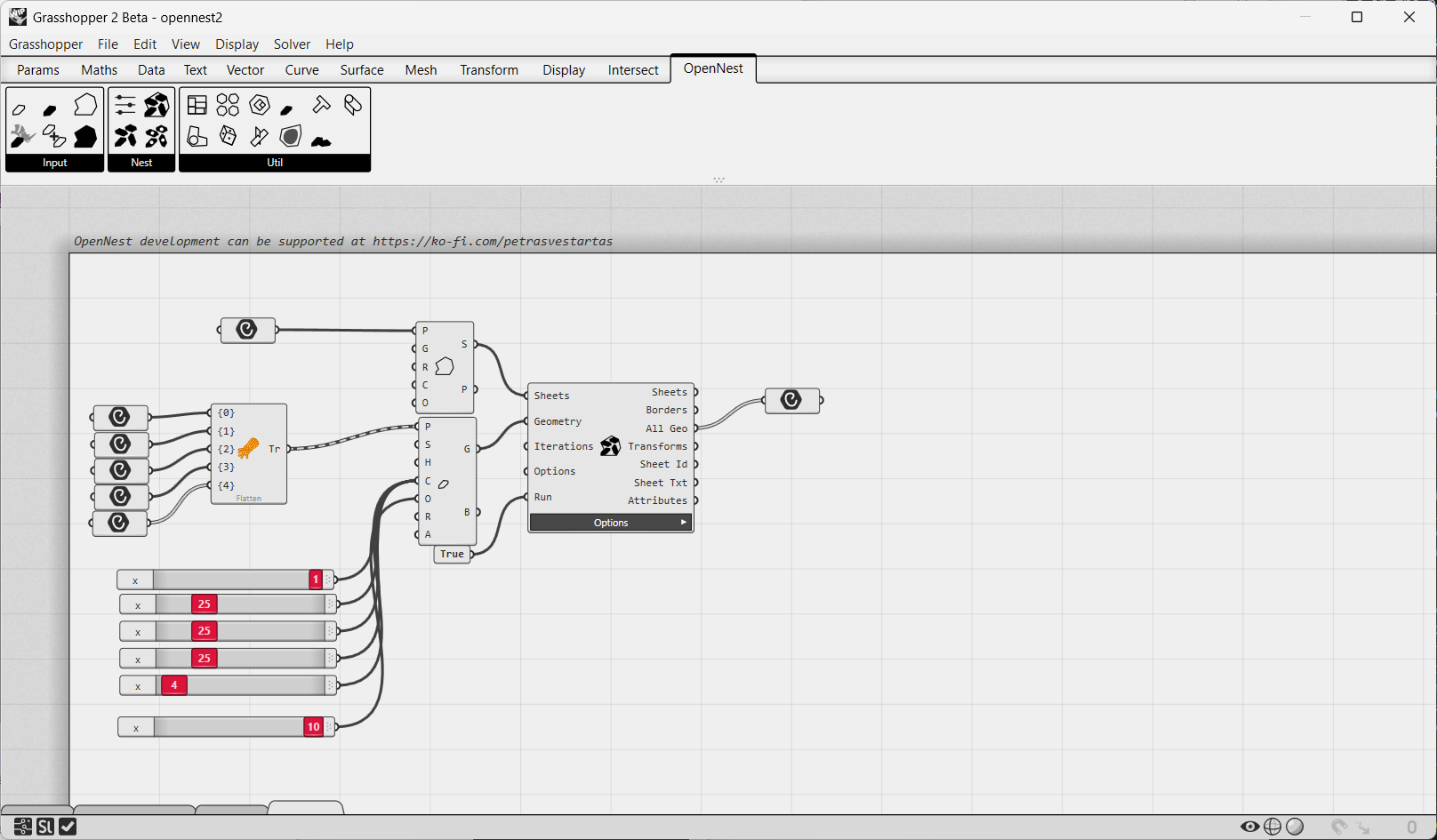
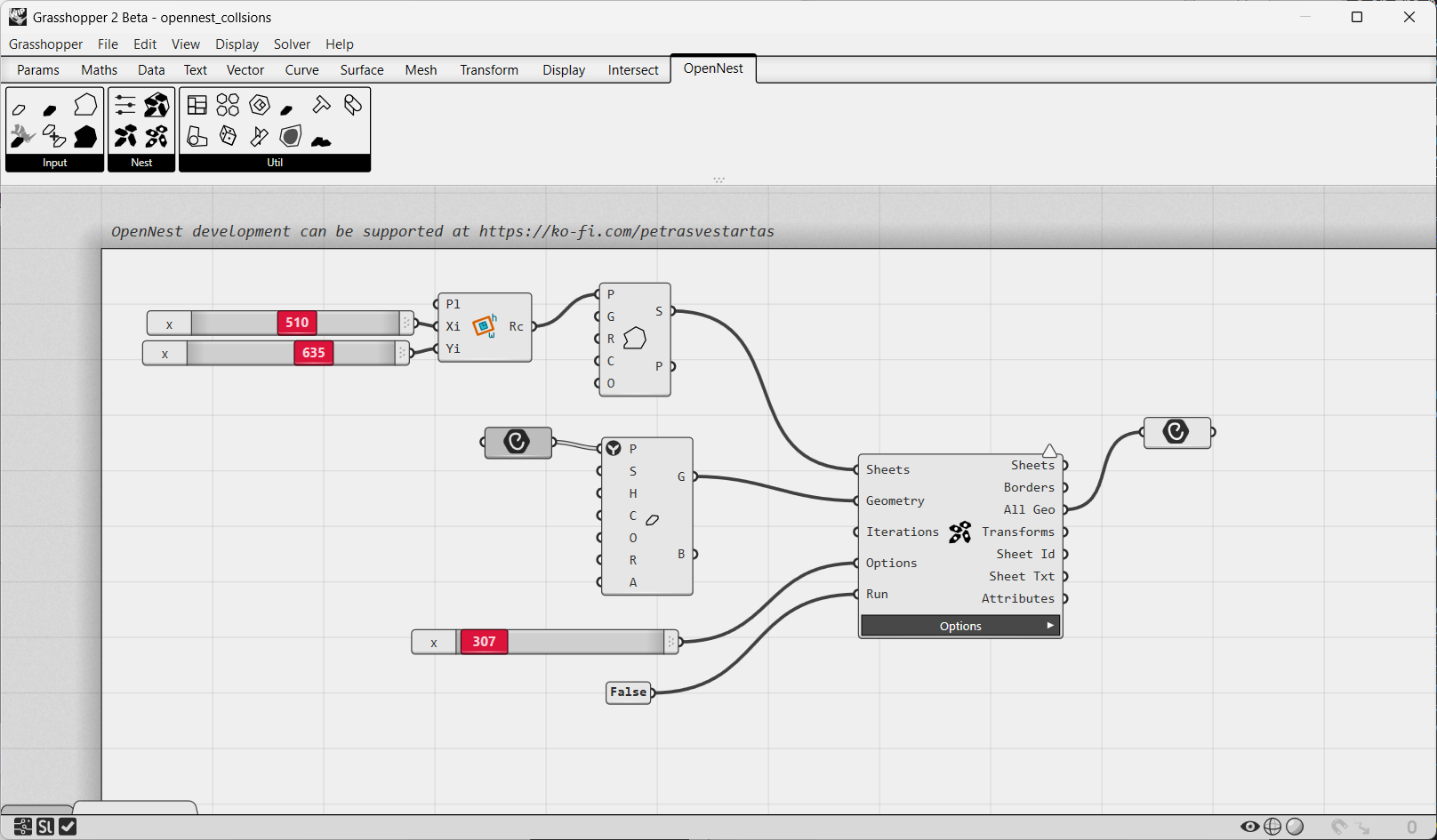
OpenNest runs in Grasshopper 2 — the new node editor shipped in Rhino 9 WIP. The components are identical to Grasshopper 1: same inputs, outputs and behaviour, so the same component tutorials apply — Nesting (OpenNest2, OpenNest1, OpenNestCollision), Geometry & sheets, and Utilities (see the navigation).
Installation (Rhino 9 WIP)
Grasshopper 2 is available only on Rhino 9 WIP, and you need to install it manually. But when you install
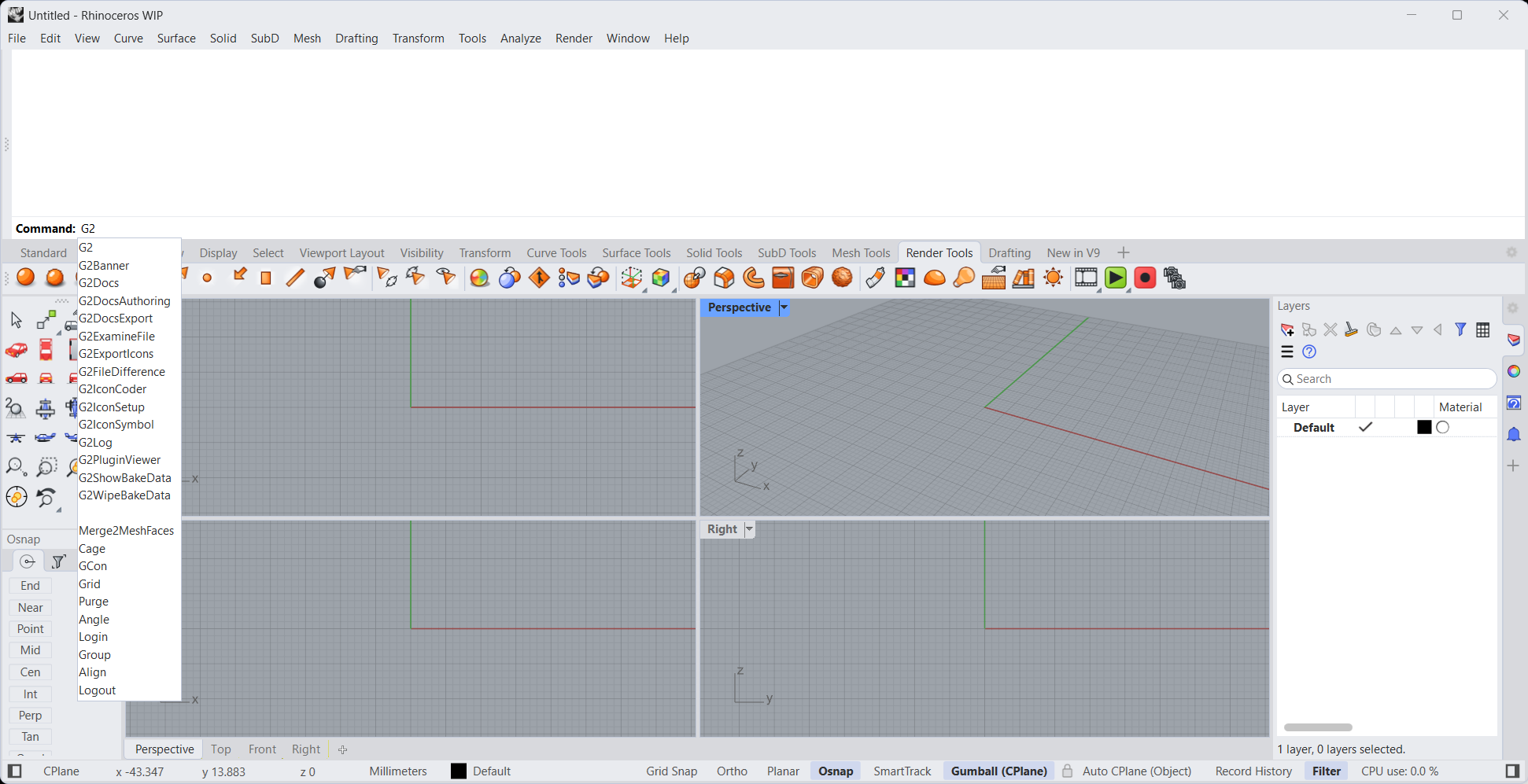
OpenNest through the package manager, you need to manually load the opennest_gh2.rhp file from the Plug-ins —
you can find this file by searching on your PC (I use the Everything tool):

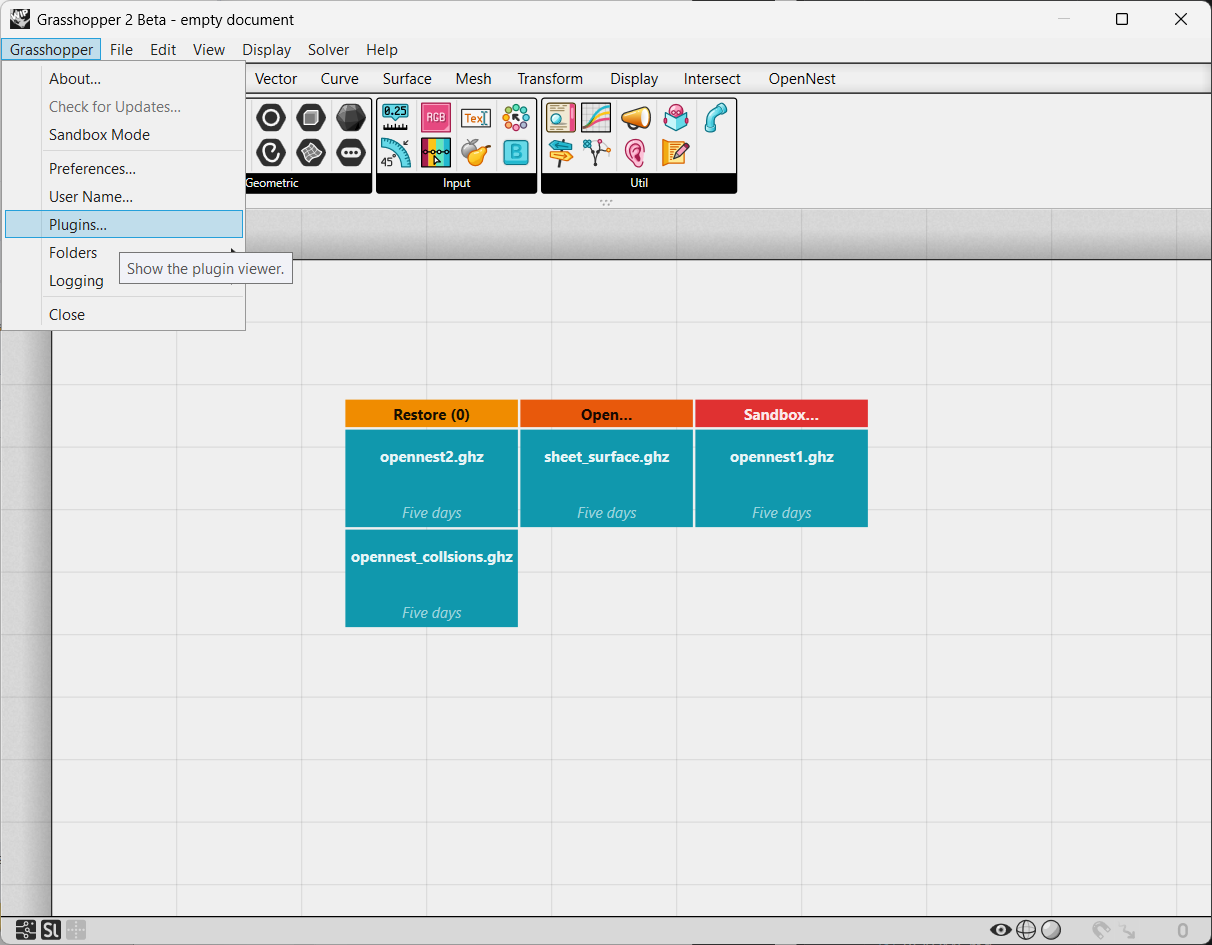
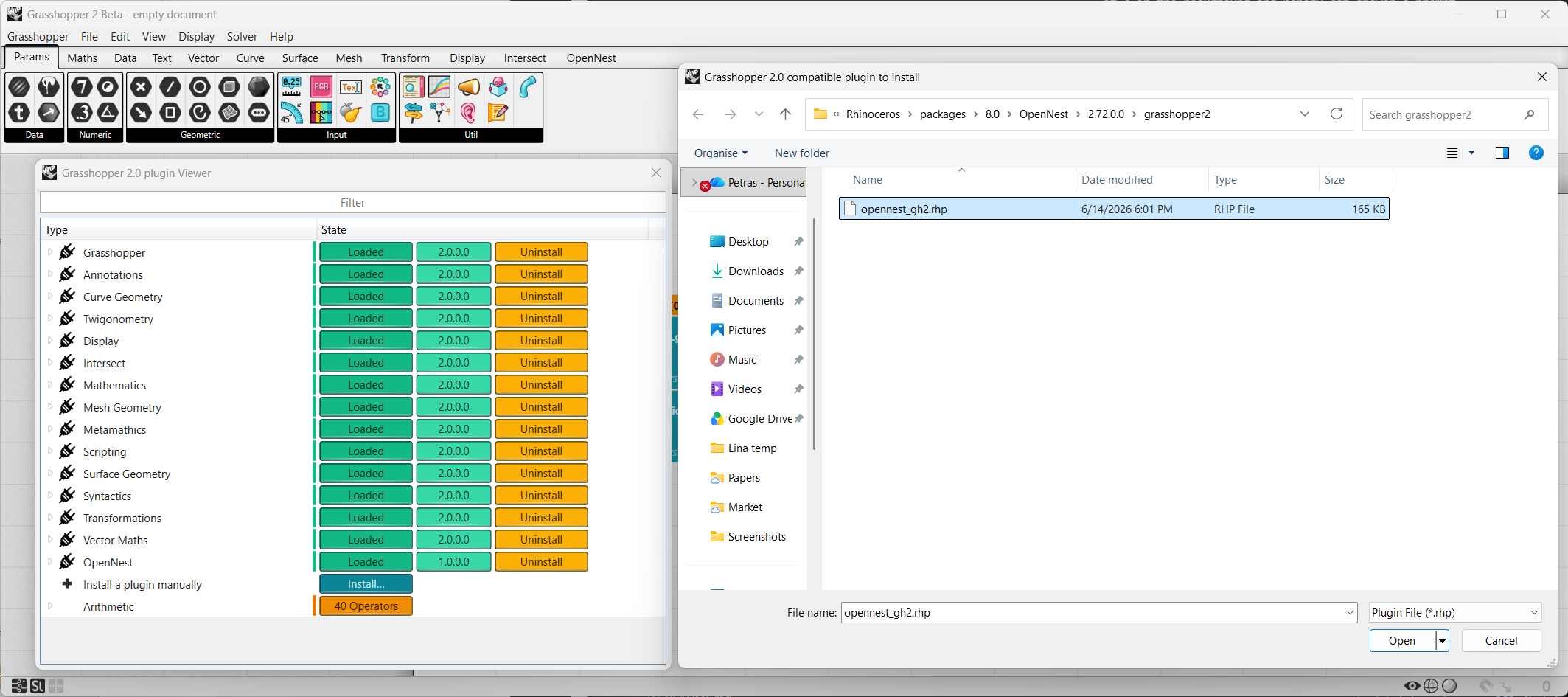
The Package Manager auto-installs the Grasshopper 1 components and the OpenNest Rhino command (on Rhino 8 and
Rhino 9). The Grasshopper 2 plug-in ships in the package's grasshopper2/ subfolder as a manual-load .rhp
(loading it through Rhino's Plug-in Manager is not supported — load it from inside Grasshopper 2 as shown above).
Example files
Download the Grasshopper 2 examples (.zip)
Unzip and open the example definitions in Grasshopper 2 (Rhino 9 WIP).