OpenNest1
Nests parts onto sheets with the no-fit-polygon solver (no attributes). Takes curves or surfaces directly; supports multi-start Tries and a live preview.
Example
Files to download:
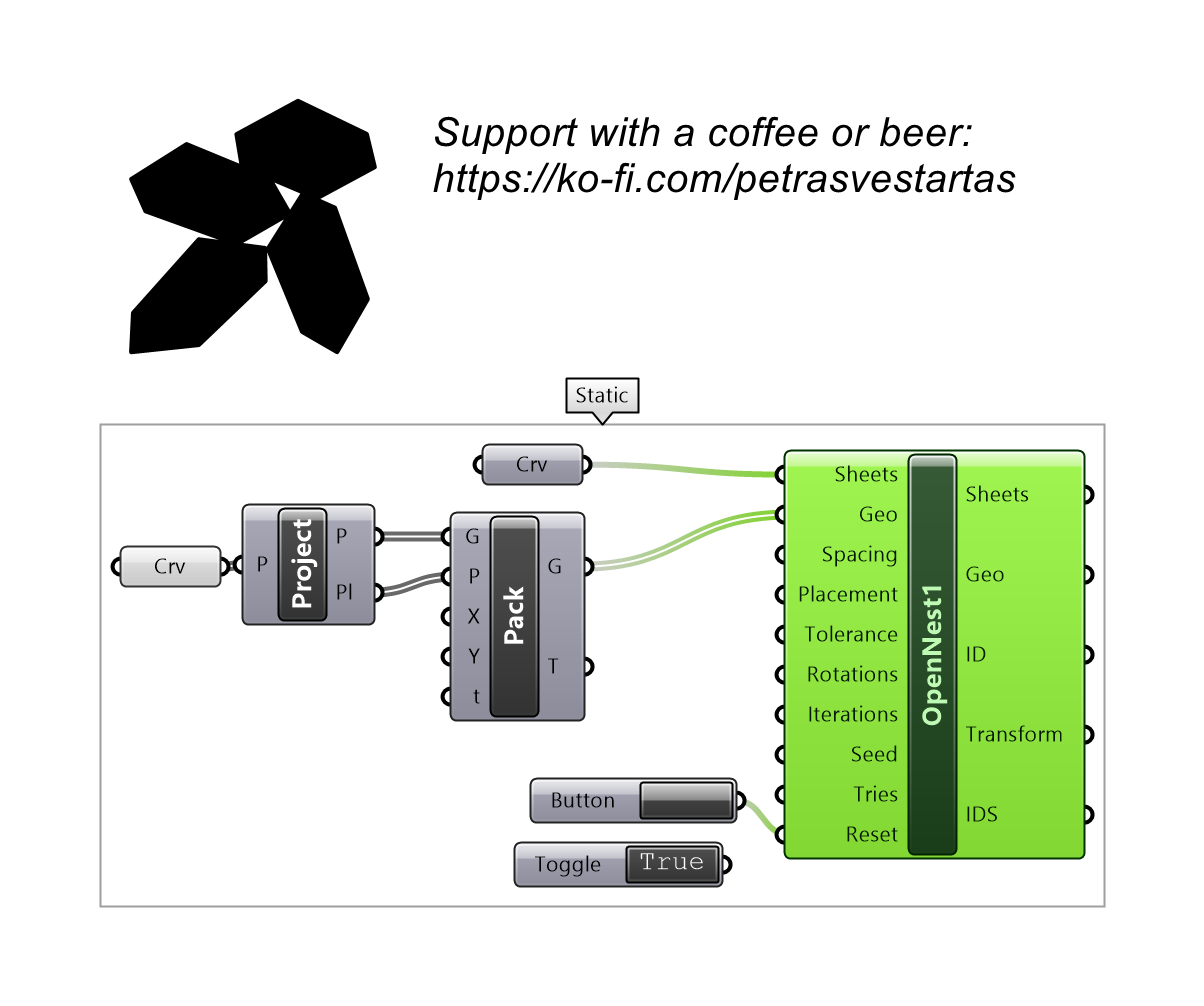
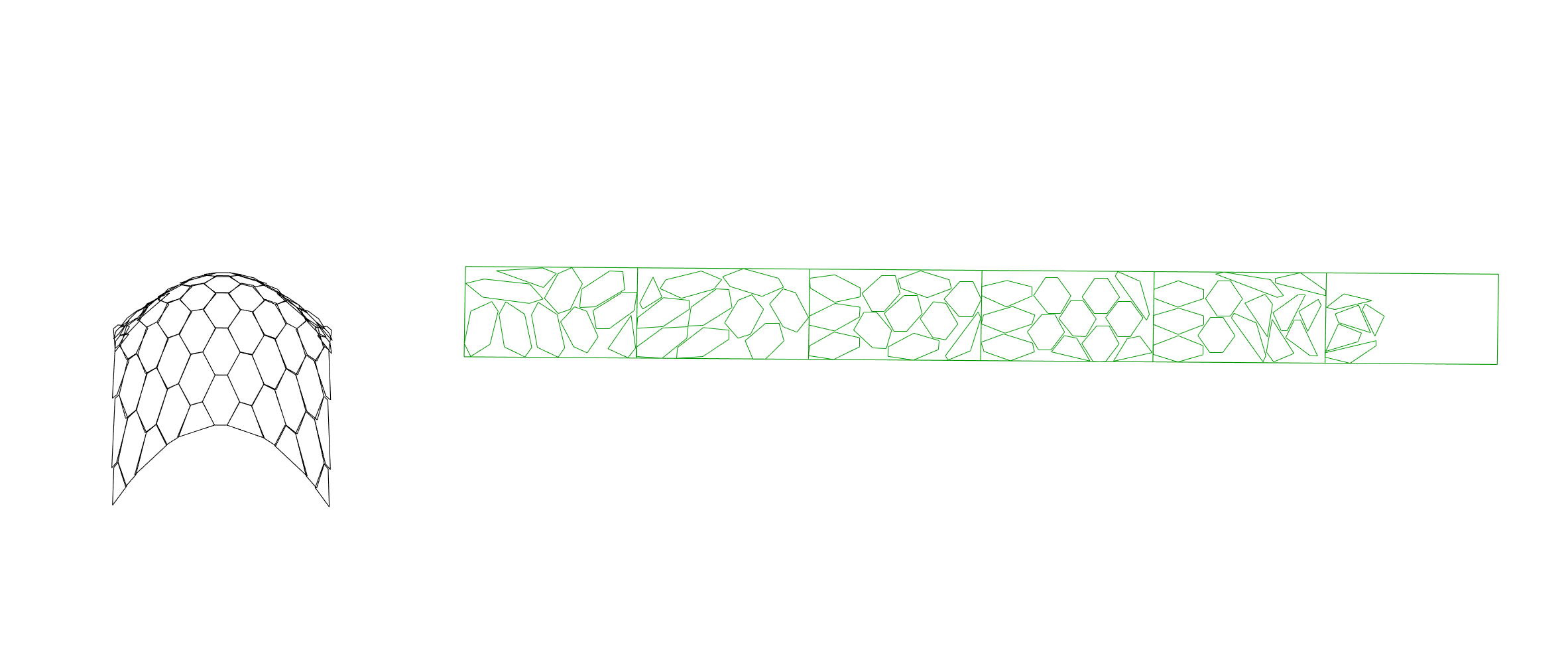
Inputs
| Parameter | Type | Access | Description |
|---|---|---|---|
| Sheets | Geometry | list | Sheets — closed planar surfaces (outer + holes) or closed curves. A single sheet is auto-copied so parts can overflow onto more. |
| Geo | Geometry | list | Parts to nest — closed curves or planar surfaces. |
| Spacing | Number | item | Gap to keep between placed parts and from the sheet edge (model units; 0 = OFF). See How Spacing works. Default: 1. |
| Placement | Integer | item | Placement strategy index. Default: 1. |
| Tolerance | Number | item | Curve simplification tolerance. Default: 0.1. |
| Rotations | Integer | item | Number of rotation angles to try per part. Default: 4. |
| Iterations | Integer | item | Solver generations to evolve. You watch each one tighten in the preview; higher = tighter but slower. ~4–10 typical. Default: 6. |
| Seed | Integer | item | Random seed for reproducible results. Default: 1. |
| Reset | Boolean | item | Set TRUE (wire a Button) to clear the whole component instantly and drop any running solve. Default: false. |
| Run | Boolean | item | TRUE = start the nesting solve (and re-solve on input change, live preview). FALSE = output nothing and clear the previous result (blank outputs + cleared preview). Default: false. |
Outputs
| Parameter | Type | Description |
|---|---|---|
| Sheets | Curve | The sheets that got used, as supplied — Spacing insets the nesting container internally but never the reported outline. |
| Geo | Geometry | The ORIGINAL part outlines moved onto the sheets — same curves in, same curves out; only the position changes. Spacing is applied to a separate nesting outline, so it shows up as the gap between parts and never as a fatter curve. (Surface input comes back as its boundary curves; use Transform to move the surfaces themselves.) |
| ID | Integer | Polygon id number |
| Transform | Transform | Placement transform per part — apply it to your own input geometry and you get exactly the layout shown in the preview, Spacing included. |
| IDS | Integer | Sheet id number |
How Spacing works
OpenNest1 takes raw curves and surfaces, so it has no upstream Geometry or
Sheets component to offset for it. It is therefore the one component that does its own
offsetting, and Spacing is that offset:
- every part's nesting outline grows by
Spacing / 2(outers out, holes in); - every sheet's nesting boundary insets by
Spacing / 2(outer in, holes out).
Two grown outlines touching means the real parts are Spacing / 2 + Spacing / 2 = Spacing apart, and a grown
part touching the inset sheet boundary means the real part is Spacing in from the real sheet edge. The
native solver's own spacing is forced to 0, so the gap is applied exactly once.
Crucially, only the nesting outline is offset. Geo, Transform and the viewport preview all carry your
ORIGINAL geometry, so the gap you see in the preview is the gap you get when you apply Transform yourself.
Equivalent in the OpenNest2 pipeline
OpenNest1 Spacing = S is the same as Geometry → Offset = S / 2 plus Sheets → Offset = S / 2
feeding OpenNest2. Those two ports are radial offsets, not gaps, which is why each is half
of S.
When a gap goes missing
If a part or sheet outline cannot be offset (a degenerate ring, or an inset that consumes it) the ring
keeps its original size and those parts get no gap. Because the offset is now the only source of
spacing, the component raises a warning naming how many rings failed instead of silently shipping a
zero gap. Curved boundaries are nested through a polygon that circumscribes them, so the real gap there is
Spacing or a little more — never less.