Geometry (Rhino)
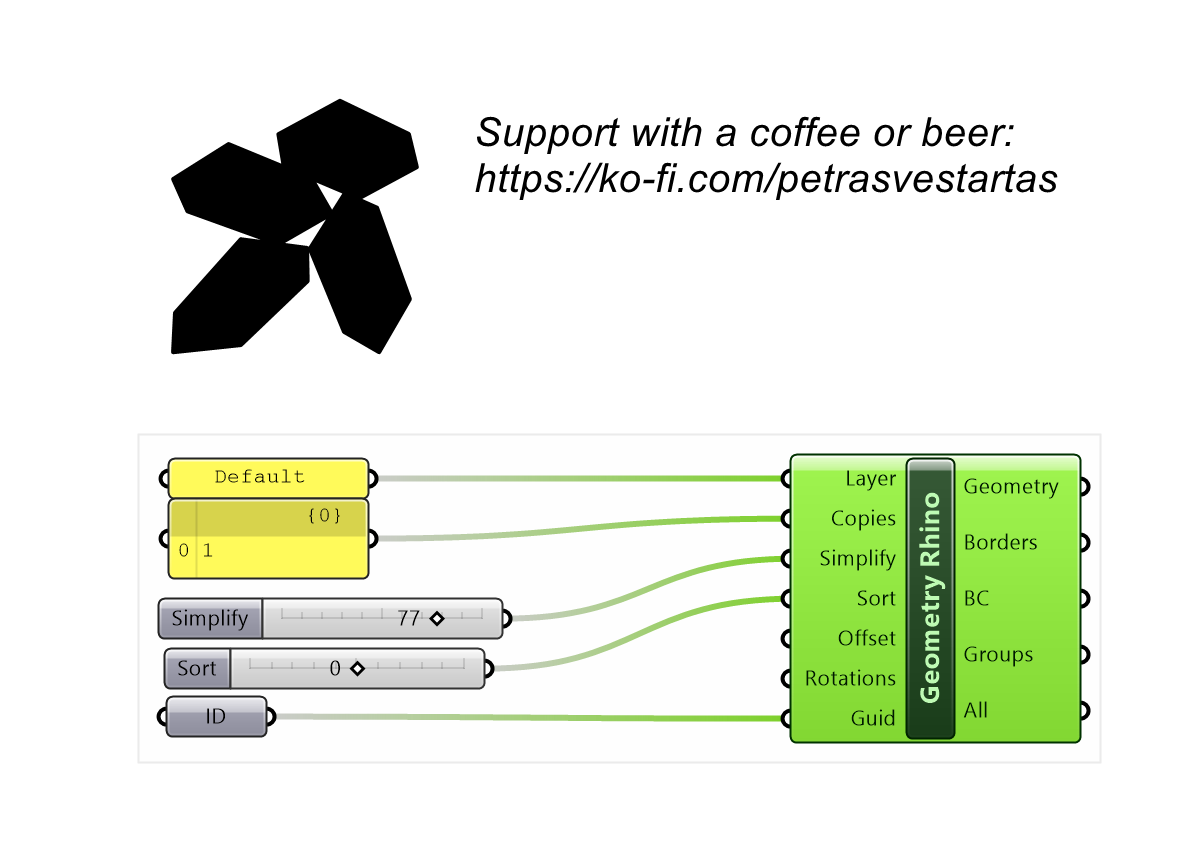
Builds nesting parts from referenced Rhino objects, separating outlines from attributes (text, curves) and sorting them automatically.
Example
Files to download:
Inputs
| Parameter | Type | Access | Description |
|---|---|---|---|
| Layer | Text | item | Boundary layer in Rhino you need to create to select objects. |
| Copies | Integer | list | Number of copies must be equal to tree branches, number of guids inputs is treated as a separate branch Default: 1. |
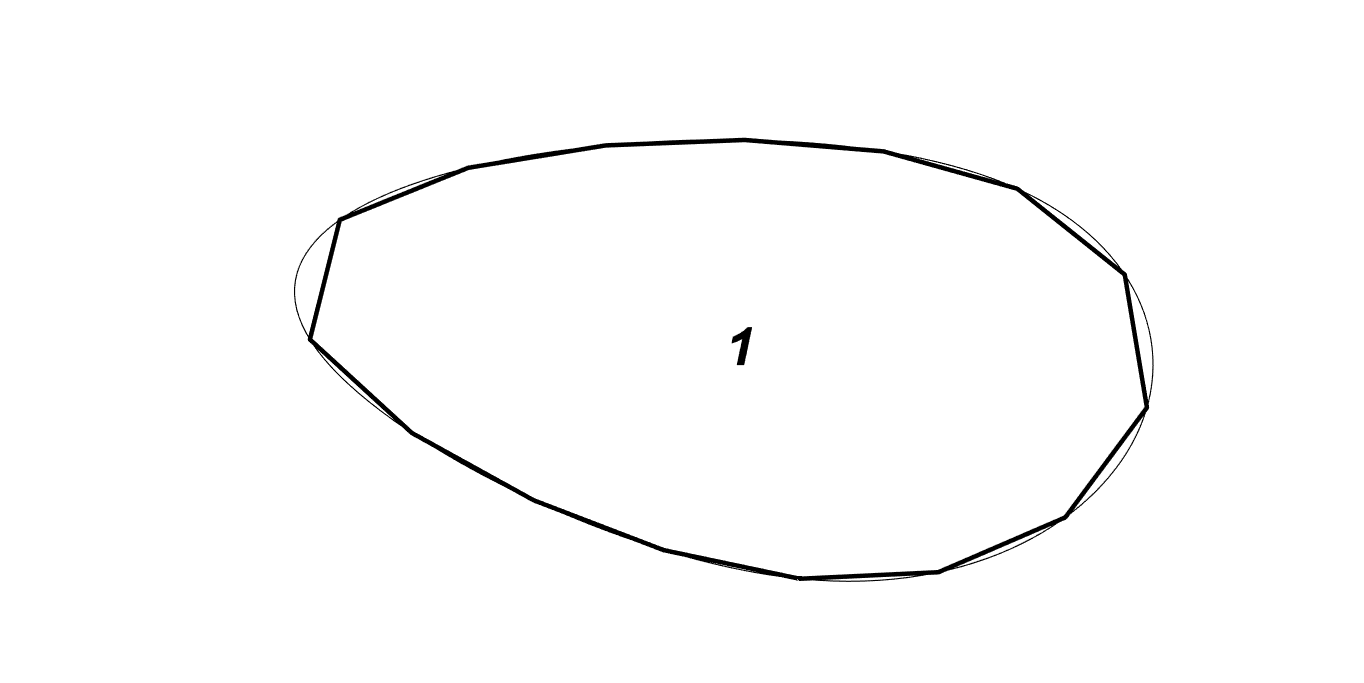
| Simplify | Number | list | Optional [divisions, hull]. divisions: 0 = keep polyline vertices as-is (no simplification, DEFAULT); x>0 divides curved segments by distance; x<0 max 3 points per sub-segment. hull (2nd value, 0/1): replace each part with its convex hull. One value is fine (hull defaults 0). Default: 0, 0. |
| Sort | Number | item | Sort polylines. Default: 1. |
| Offset | Number | item | Clearance offset for NESTING only (model units; 0 = OFF, fast). Parts: outer grows / holes shrink so placed parts keep this gap. The ORIGINAL curves are still what get placed/output. Default: 0. |
| Rotations | Integer | list | OPTIONAL per-part rotation constraint (one value per guid branch, repeats like Copies). Empty / 0 = part inherits the solver's global Rotations setting (default). N > 0 = THIS part may only use N orientations (360/N degree steps). 1 = fixed, no rotation (e.g. grain direction). |
| Guid | Generic | tree | Referenced geometry as guid (can be mesh, brep, curves in one list) |
Outputs
| Parameter | Type | Description |
|---|---|---|
| Geometry | Generic | Assembled nesting geometry to feed the solver |
| Borders | Curve | Outline curves grouped per part |
| BC | Curve | Convex-hull border curves per part |
| Groups | Integer | Object group indices per part |
| All | Geometry | All referenced geometry grouped per part |