OpenNest
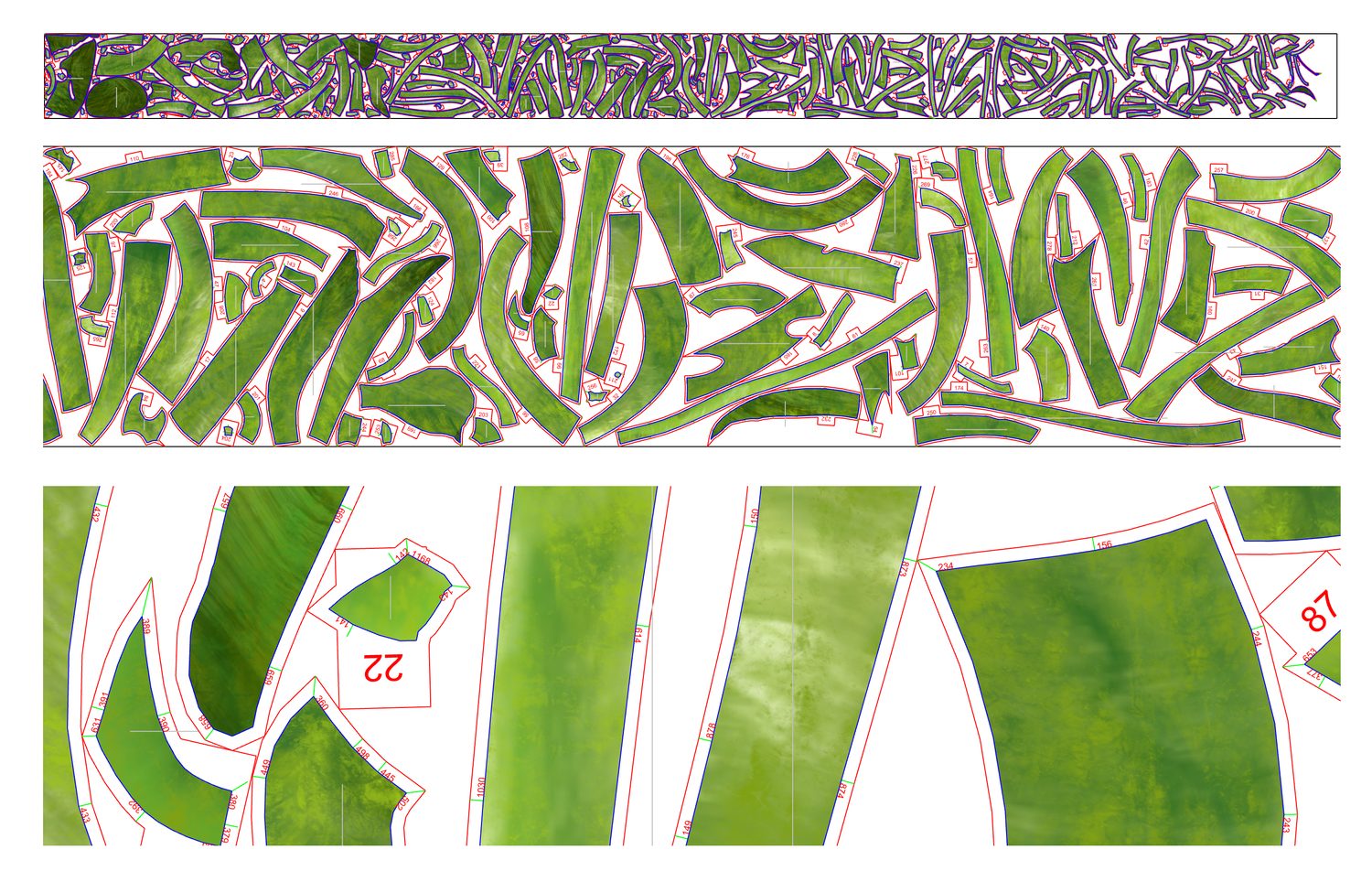
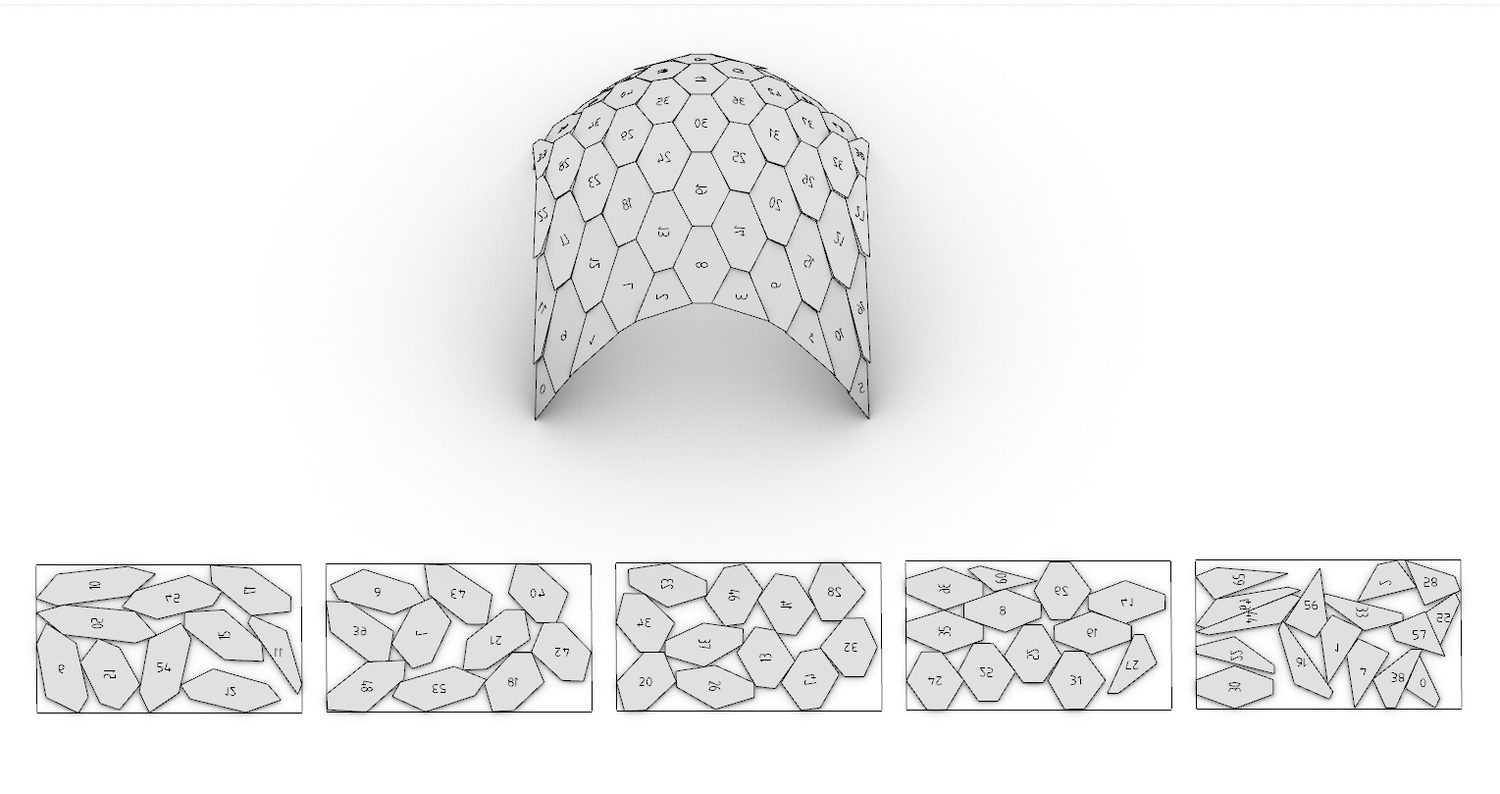
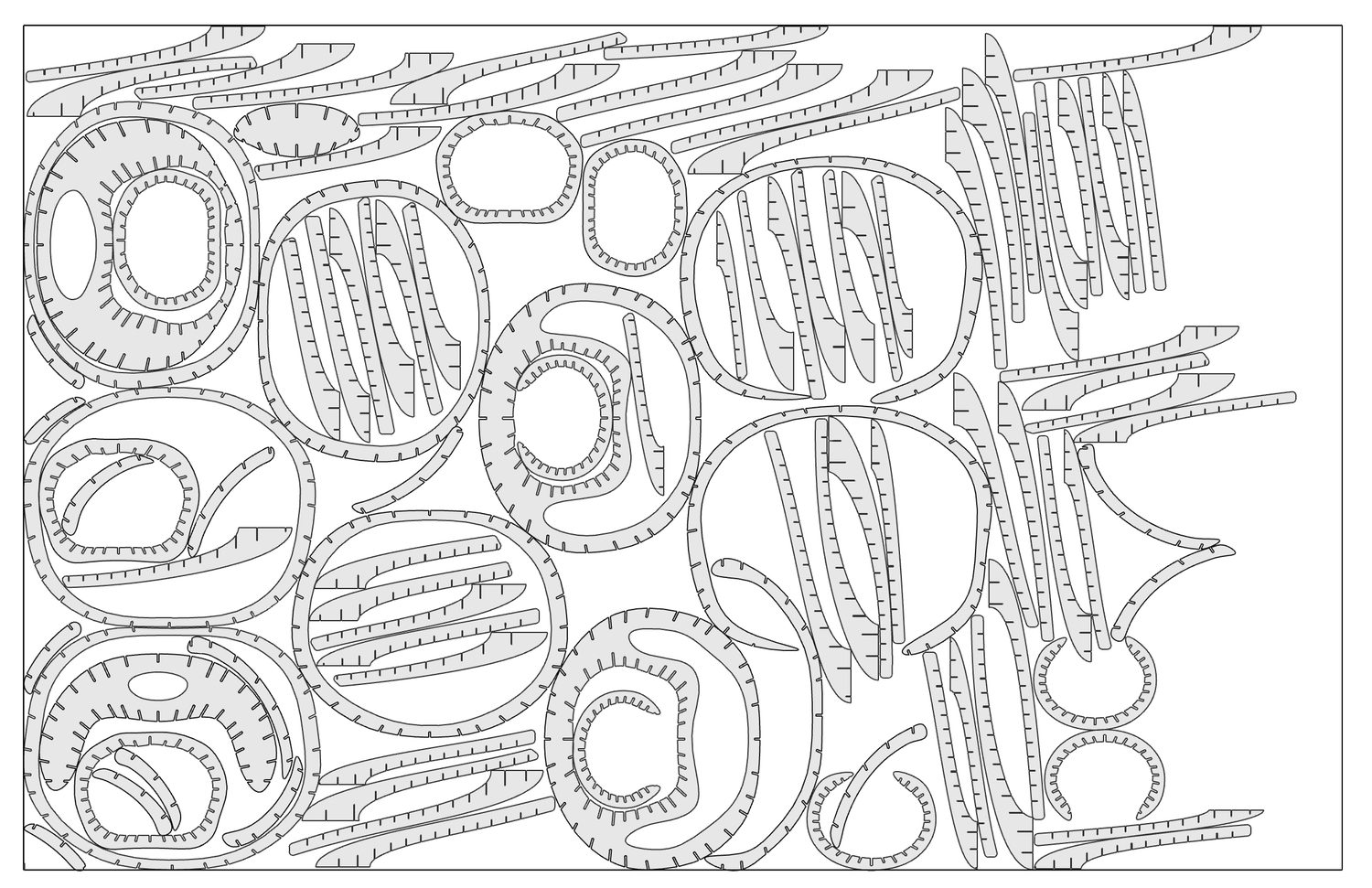
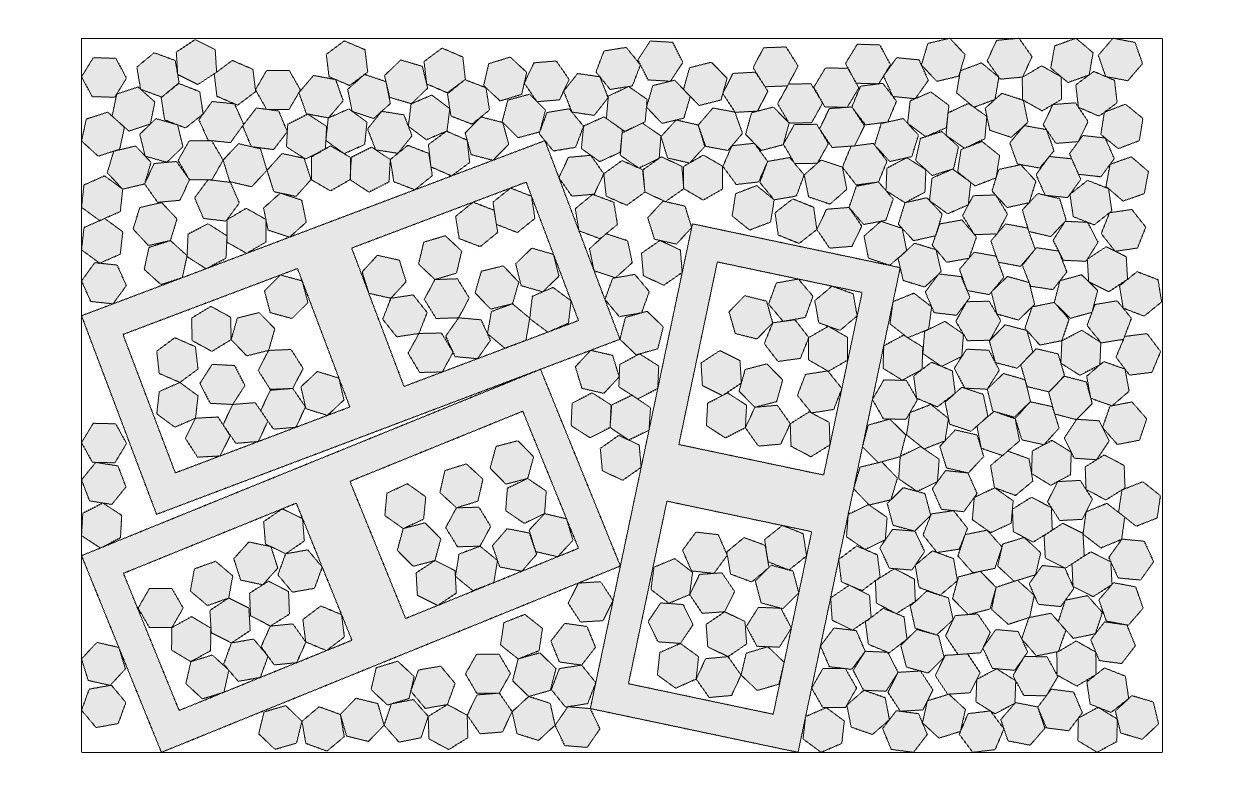
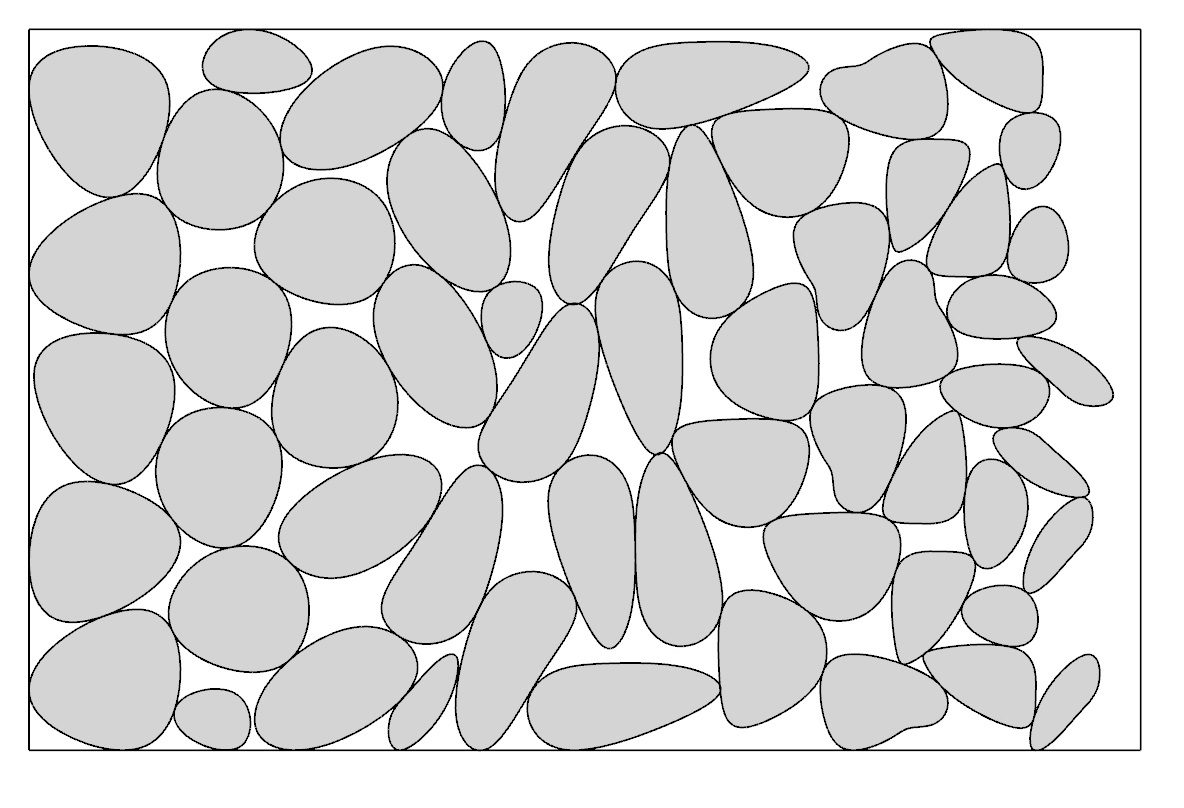
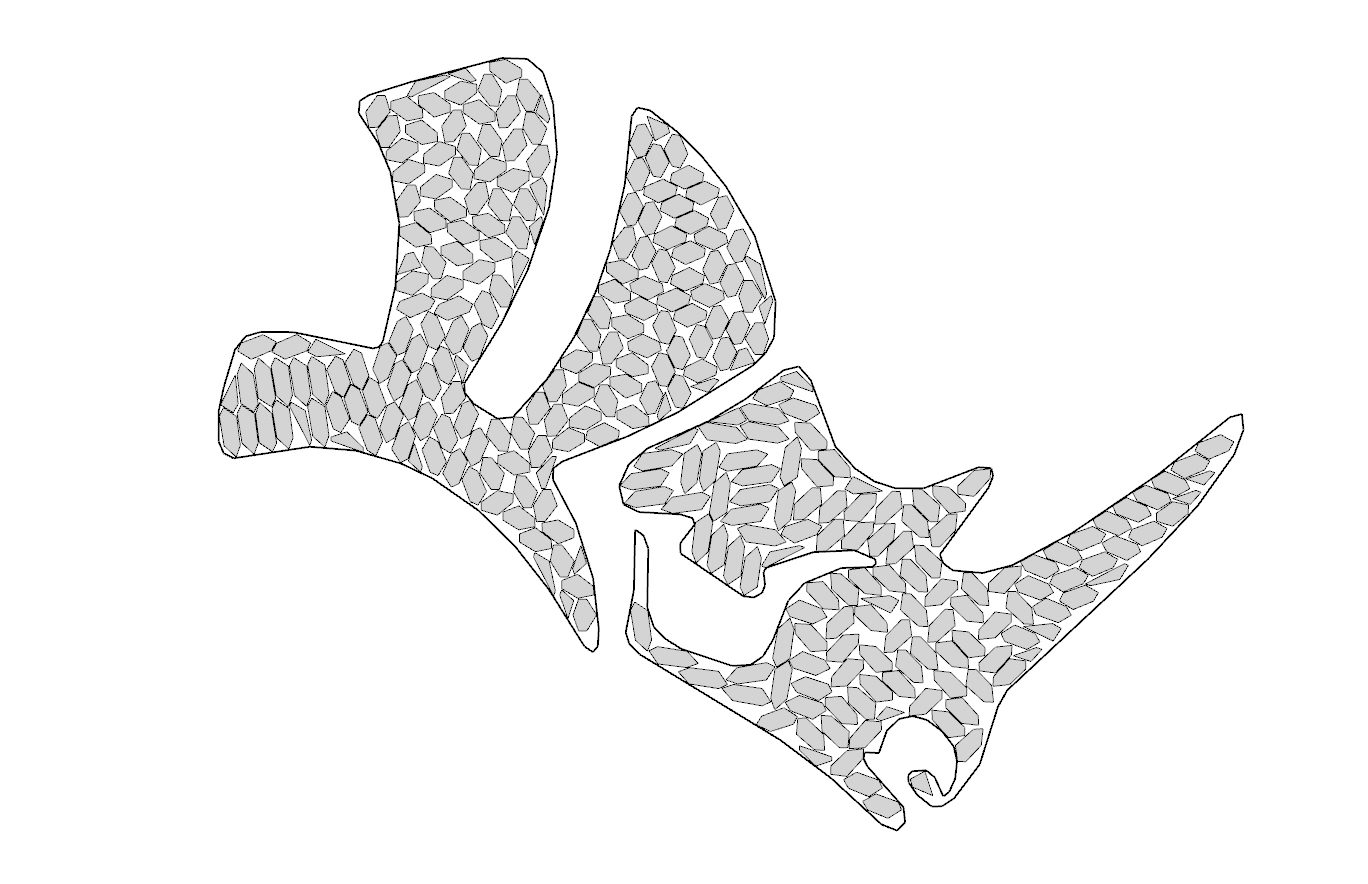
2D polygonal nesting for Rhino — pack irregular parts onto sheets with minimal waste, fast. Parts and sheets can have holes, small parts nest inside larger parts' holes, and sheets can be non‑rectangular. The engines are native C++.

Rhino3D
-
Rhino Grasshopper
A full set of components with a live on‑canvas preview, for Grasshopper 1 and 2 — identical inputs, outputs and tutorials in both editors, each with a downloadable example.
-
Rhino Command
The
OpenNestcommand nests directly in the viewport — select sheets and parts, then bake to layers, carrying each part's markings, colours and object data. -
From code
Call the same engines directly through a plain C ABI — from C++, C# or Python — with a runnable example for every function.
C++, C# & Python
-
C++
Three native engines through a plain C ABI; build from source with CMake. Eight self‑contained examples.
-
C#
P/Invoke the same engines from .NET, no Rhino required. The eight examples mirror the C++ set.
-
Python
Drive the engines from Python, including the Rhino 8 Script Editor, via
compas_nest(pip install compas_nest).
Why OpenNest
-
Any sheet shape
Sheets don't have to be rectangles — nest into non‑rectangular offcuts and remnants, holes and all.
-
Native C++ speed
Three self‑contained C++ engines —
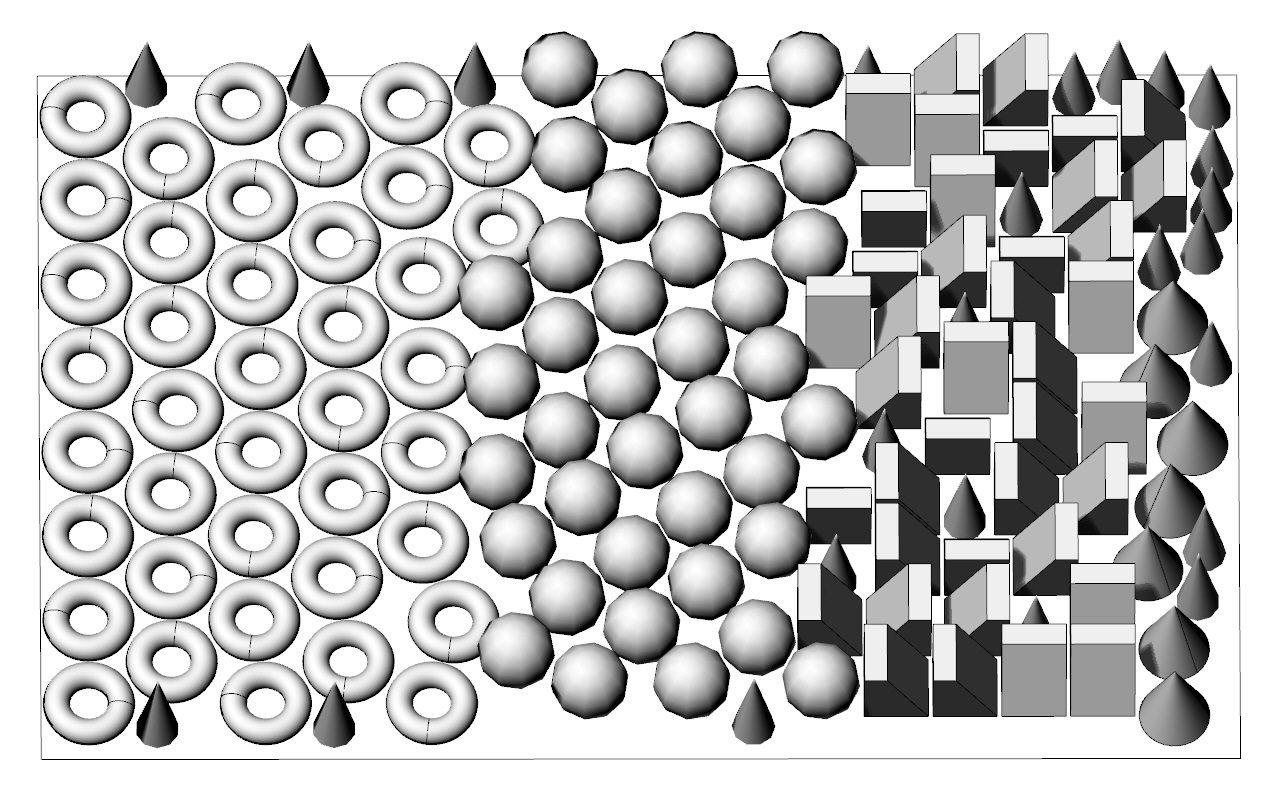
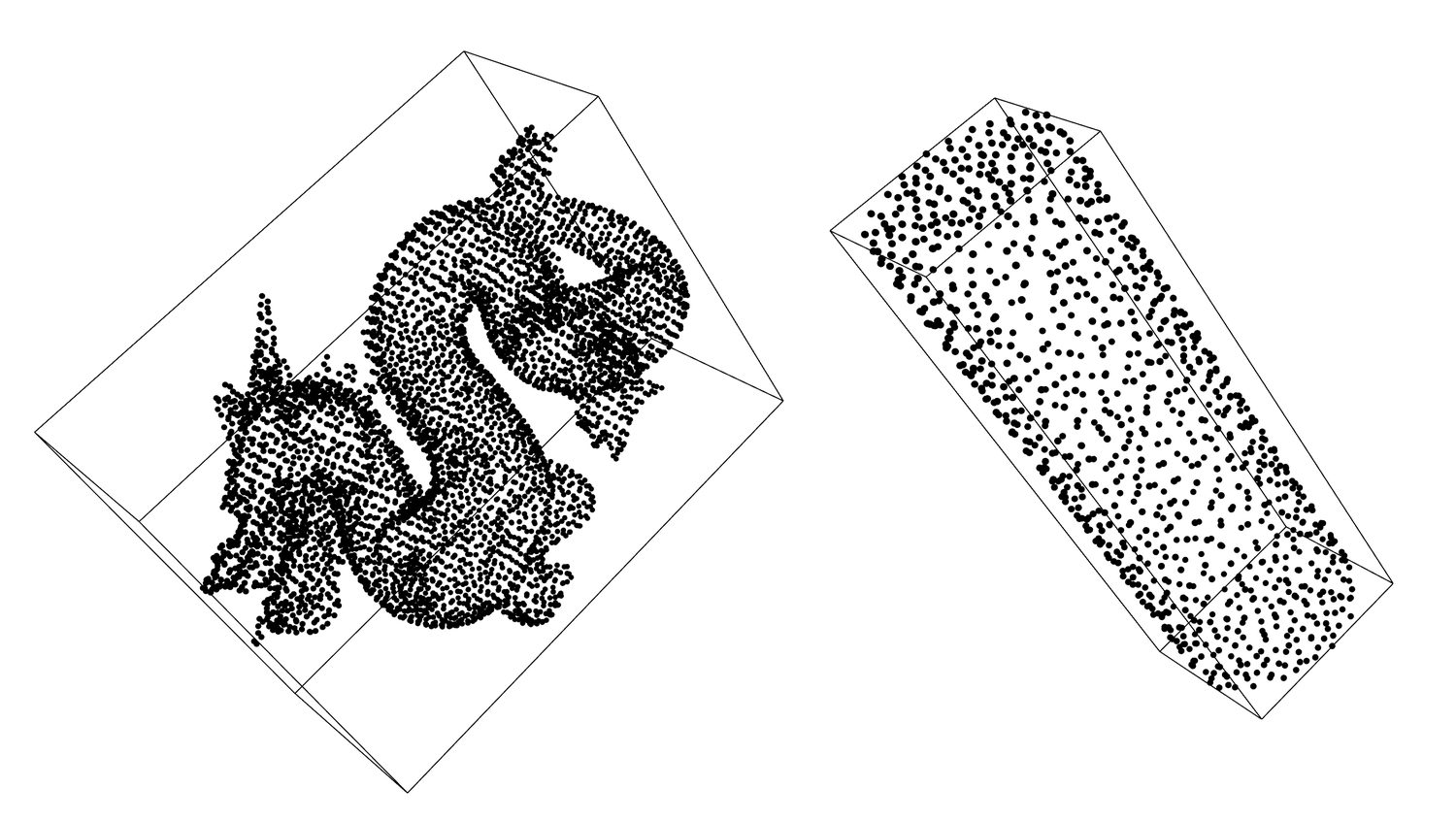
nfp_nest(no‑fit‑polygon + genetic algorithm, with a rectangle fast path),nest_physics(collision / overlap‑relaxation) andnest_spectral(3D mesh packing) — with no heavy dependencies. -
Carries your data
Markings, colours, text and object attributes travel with each part through placement and baking.
Install
-
Grasshopper + Rhino command
In Rhino: run
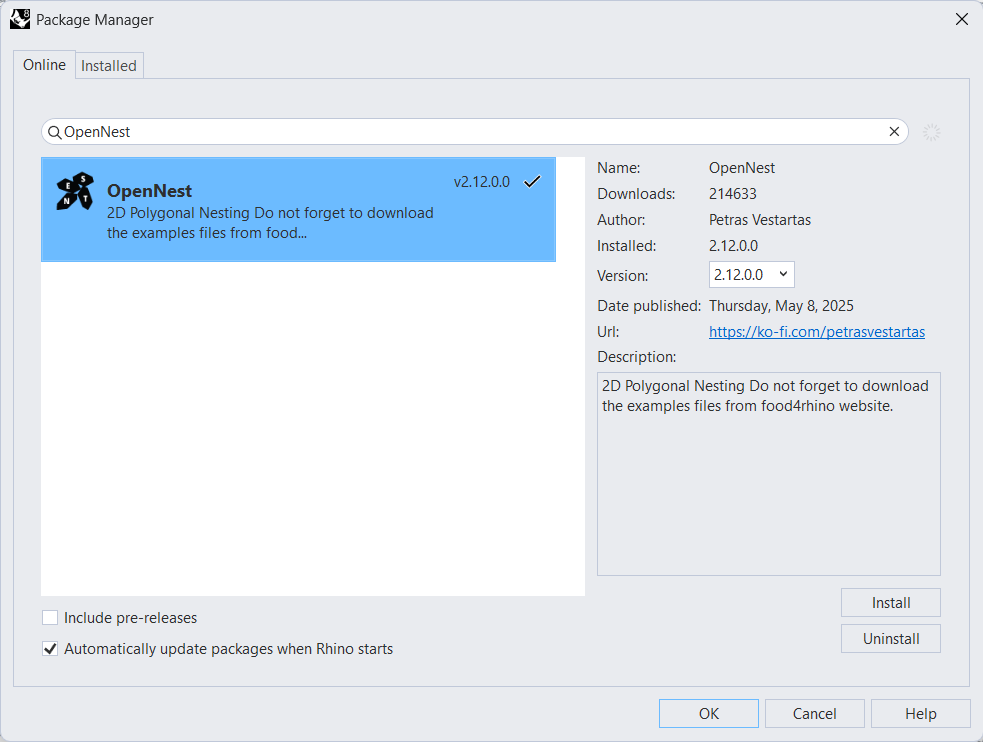
_PackageManager→ search OpenNest → Install, then restart Rhino.Works on Rhino 8 and 9, Windows and macOS — delivers the Grasshopper 1 components and the
OpenNestcommand.On Rhino 8 for Windows it loads under both .NET runtimes, .NET Core and .NET Framework 4.8 — you never need
_SetDotNetRuntime. -
Grasshopper 2 (Rhino 9 WIP)
Grasshopper 2 loads manually: after the install above, open Grasshopper 2 and load
opennest_gh2.rhpfrom the package'sgrasshopper2/folder. -
Python
Run
pip install compas_nest— the same C++ engines from Python, including the Rhino 8 Script Editor.
OpenNest in numbers