OpenNest2
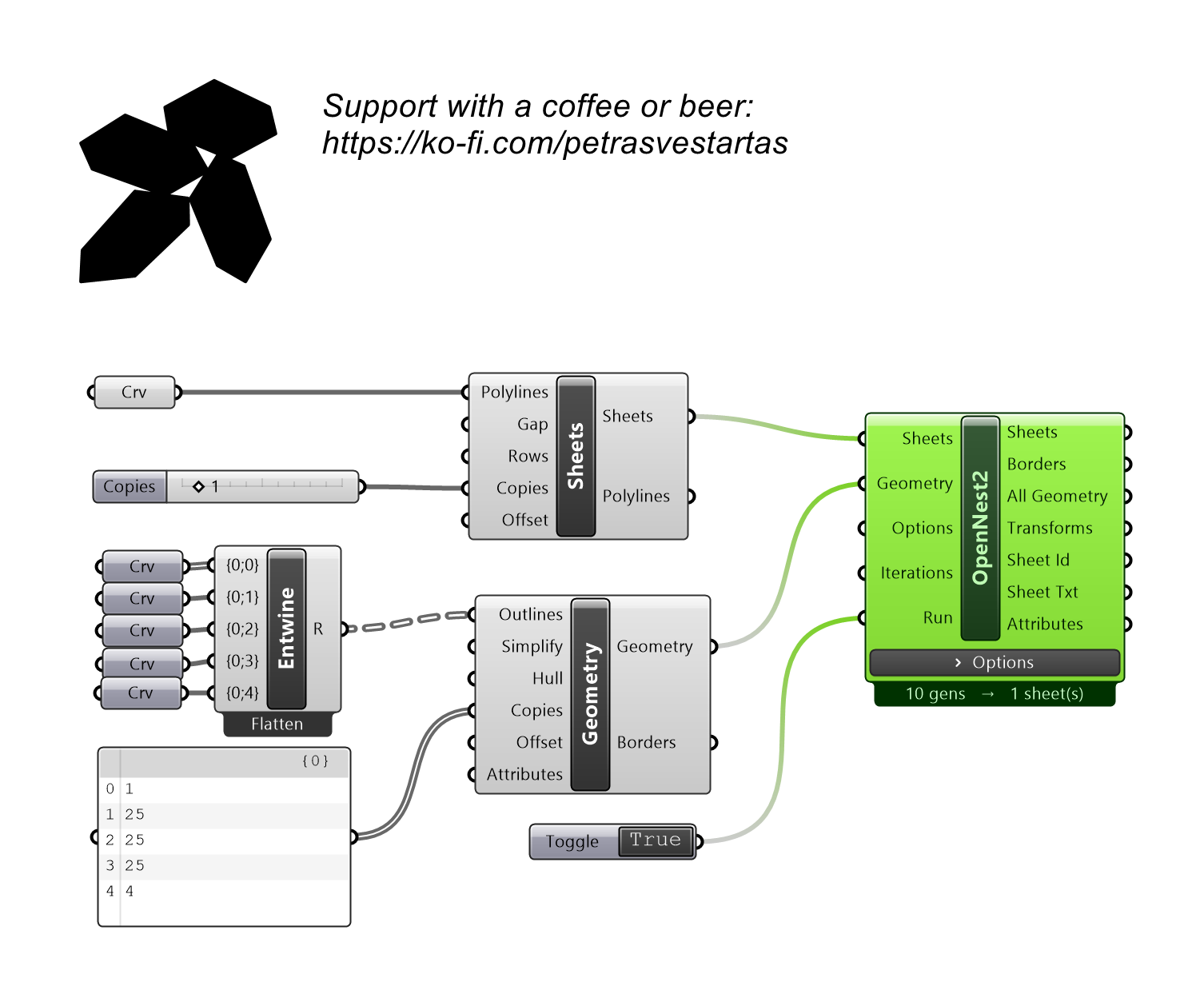
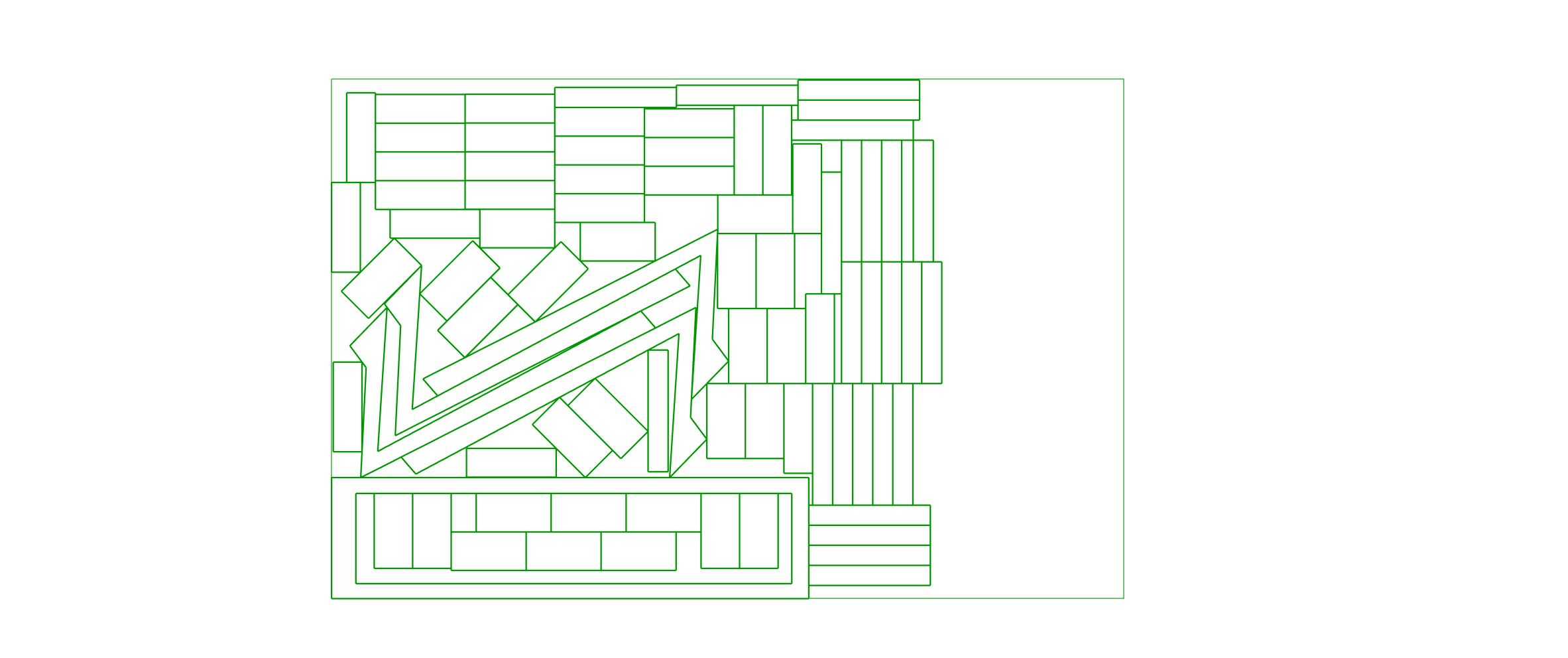
Nests parts onto sheets with the no-fit-polygon genetic solver, keeping each part's attributes. Feed it the Sheets and Geometry components.
Example
Files to download:
Inputs
| Parameter | Type | Access | Description |
|---|---|---|---|
| Sheets | Generic | item | From OpenNest tab, use component Sheets. |
| Geometry | Generic | item | From OpenNest tab, use component Geometry. |
| Options | Text | list | Optional list of "key value" option strings — wire the NestOptions component here. Each line overrides the matching on-canvas option row below; unwired keys keep their on-canvas value. |
| Iterations | Integer | item | GA generations to evolve. Each generation evaluates the whole population and keeps the best, so the result improves over generations. ~10-40 typical (a live orange preview tightens as it runs; press ESC to stop and keep the best). Pair with the 'population' option (default 10). Default: 10. |
| Run | Boolean | item | Wire a Boolean Toggle. TRUE = solve now and re-solve when an input changes (background thread, live preview); FALSE = output nothing and clear the previous result (blank outputs + cleared preview). ESC stops a running solve but keeps the partial result while Run is held TRUE. Default: false. |
Outputs
| Parameter | Type | Description |
|---|---|---|
| Sheets | Curve | Polylines representing sheets. |
| Borders | Curve | Placed part outline curves. |
| All Geo (All Geometry) | Geometry | All placed geometry, grouped per sheet. |
| Transforms | Transform | Move/rotate transform placing each part. |
| Sheet Id | Integer | Sheet index each part landed on. |
| Sheet Txt | Curve | Sheet-number labels as text curves. |
| Attributes | Geometry | Attribute geometry carried with each part. |
Options
On-canvas settings shown on the component body (zoom in on the component to reveal the widgets, or right-click). They tune how the genetic solver packs; the three input ports above are what it packs.
| Option | Type | Default | Range / Choices | Description |
|---|---|---|---|---|
| Rotations | Number | 4 | 1 – 3600 | Orientations each part may try (360°/n). Default 4 = faster; raise it (e.g. 8) for tighter packing. |
| Packing | Choice | Gravity | Box · Gravity · Squeeze · Bottom Left | Placement strategy. Bottom Left packs each part into the lowest-then-leftmost feasible spot. |
| Seed | Number | 30 | 0 – 100000 | Random seed (same seed = same result). |
| Mutation | Number | 10 | 0 – 100 | GA mutation rate. |
| Population | Number | 10 | 1 – 100000 | GA population size — candidates evaluated per generation. |
| All Rotations | Choice | On | Off · On | Try every orientation per part for the tightest packing. Capped at 8 orientations so a large Rotations value can't hang the solver. |
| Element Holes | Choice | Fill | Off · Fill | Nest smaller parts inside larger parts' holes. |
| Sheet Font | Text | MecSoft_Font-1 1 |
— | Sheet-number label: font name + text size. |